
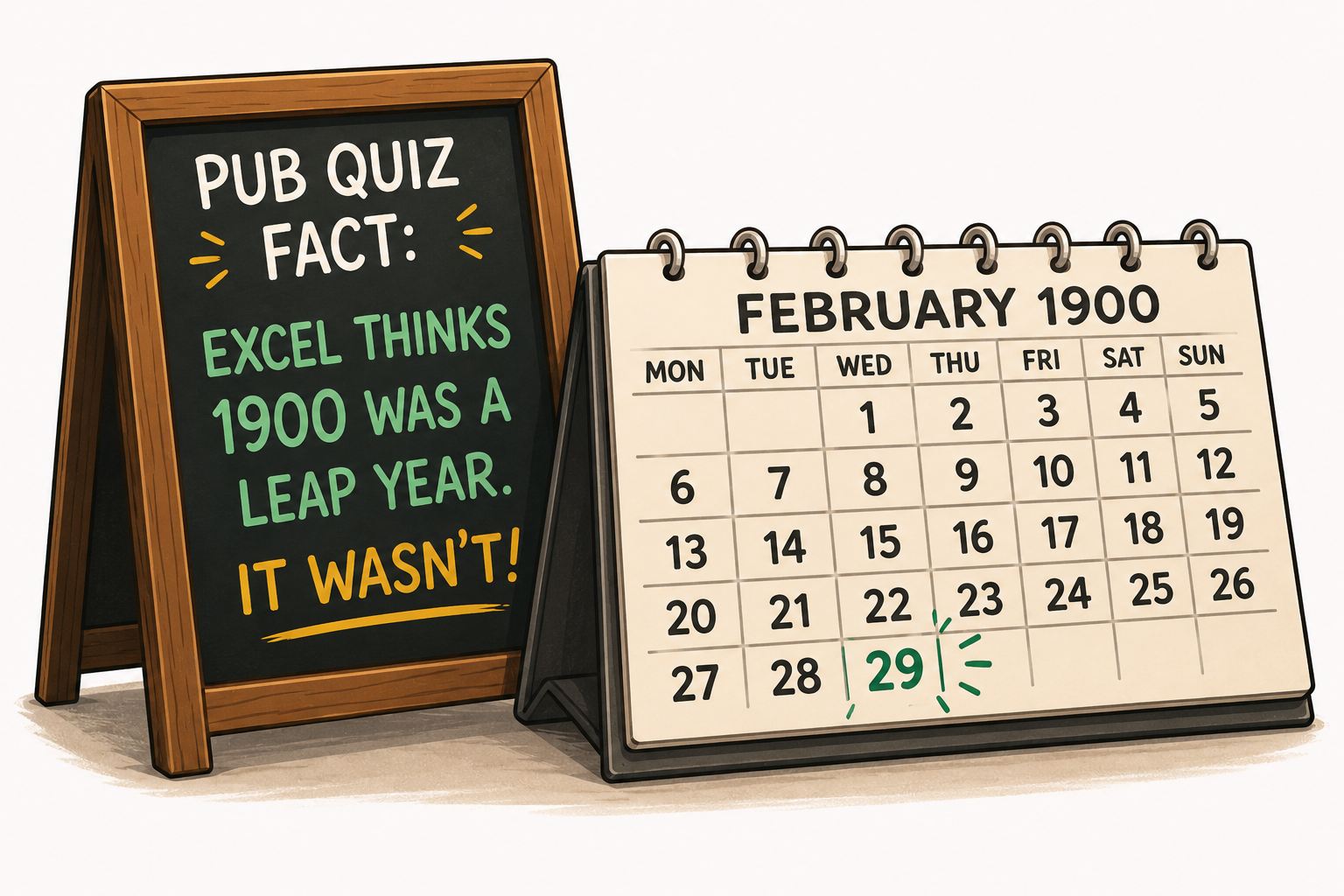


Why the UK tax year is, different!
When history blinked, days disappeared, and the tax year politely followed along!

Death and Taxes!
“In this world nothing can be said to be certain, except death and taxes” Benjamin Franklin
When history blinked, days disappeared, and the tax year politely followed along!
“In this world nothing can be said to be certain, except death and taxes” Benjamin Franklin
suiteSheets is HMRC-recognised Making Tax Digital bridging software for sole traders and landlords who use Excel or Google Sheets. It works in two parts. The suiteSheets Overview sheet is added to your existing spreadsheet as a one-time setup step, or you use the free pre-built .xlsx template which has the Overview sheet built in. The Overview sheet creates the required digital link between your individual transaction records and the cumulative totals submitted to HMRC, and calculates running totals from 6 April. Its structure must be kept intact. The suiteSheets platform is the bridging software. Each quarter you log in, upload your spreadsheet, and suiteSheets reads the cumulative totals from your Overview sheet, displays them for you to verify, and transmits them to HMRC on your confirmation. suiteSheets costs £20 per tax year for one income source, £10 for each additional income source, with no monthly fees. suiteSheets is a digital transmission tool, not a tax adviser or accountant. You are responsible for keeping accurate records, determining when submissions are due, verifying figures are correct before transmission, ensuring traceability from submitted figures to transactions in your spreadsheets, and meeting all HMRC deadlines. suiteSheets does not provide tax advice, accounting advice, or guidance on when or what to submit. Always refer to HMRC guidance or consult a qualified professional.
FinanceApplication Web https://suitesheets.co.uk 20 GBP £20 per tax year covers all four quarterly submissions for one income source. Each additional income source costs £10 per tax year. No monthly fees, no per-submission charges, no lock-in contracts.Making Tax Digital for Income Tax is HMRC's system requiring some sole traders and landlords to keep digital records and send regular updates to HMRC, instead of doing everything in one annual tax return.
The income thresholds and start dates that determine who must comply with Making Tax Digital are set by HMRC. Check your own obligations with HMRC directly or speak to a qualified accountant.
Under MTD, you or your accountant will need software that can create and store digital records of your self-employment and property income and expenses, and send quarterly updates to HMRC for each income source. suiteSheets provides the tools to do this using your existing Excel or Google Sheets spreadsheet.
Yes. HMRC allows spreadsheet-based record-keeping combined with HMRC-recognised bridging software for submissions. You do not need full accounting software. suiteSheets does not provide advice on whether this approach is suitable for your circumstances. Speak to a qualified accountant if you are unsure.
HMRC requires digital records of self-employment and property income and expenses. For the full HMRC requirements on digital record-keeping, refer to HMRC guidance or speak to a qualified accountant. suiteSheets does not provide tax advice.
HMRC's rules on categorisation depend on your circumstances and income bracket. If you are unsure, refer to HMRC guidance directly or speak to a qualified accountant.
HMRC requires digital records of self-employment and property income and expenses. Refer to HMRC guidance directly or speak to a qualified accountant for guidance specific to your circumstances.
A digital link means data moves between different parts of your records electronically, without manual retyping or copying and pasting at any stage. HMRC requires a digital link from your individual transaction records through to the figures submitted. suiteSheets is the bridge between your digital records and HMRC.
Digital records are your business transactions maintained in a digital format - for example in a spreadsheet. HMRC requires your income and expenses to be recorded clearly, accurately, and stored digitally. The suiteSheets template and Overview sheet are designed to help you meet this requirement. For the full HMRC requirements on digital records, refer to HMRC guidance or speak to a qualified accountant. suiteSheets does not provide tax advice.
Bridging software connects your spreadsheet to HMRC for Making Tax Digital submissions. With suiteSheets, you can either use our free pre-built template or add our Overview sheet to your existing spreadsheet. Each quarter, you upload your spreadsheet. suiteSheets reads the totals from your Overview sheet, checks the format, and securely sends those figures to HMRC. We do not calculate or adjust your numbers - all figures come from your spreadsheet and remain your responsibility.
There are two ways to get started with suiteSheets. Use our free template: download our pre-built .xlsx template, which already has the Overview sheet built in. Open it in Excel or upload it directly to Google Sheets. Or use your existing spreadsheet: add our Overview sheet to your current spreadsheet using our detailed instructions. The Overview sheet must be kept intact - it is what the suiteSheets platform reads to prepare your submission. Either way, you record your income and expenses in your spreadsheet as usual. The Overview sheet calculates cumulative totals from 6 April. When a quarterly submission is due, you log in to the suiteSheets platform, upload your spreadsheet, verify the figures displayed, and suiteSheets transmits them to HMRC.
Yes. The suiteSheets template is a standard .xlsx file - you can upload it directly to Google Sheets and use it there. You can also add our Overview sheet to your existing Google Sheets file using our instructions. Google Sheets cannot directly connect to HMRC's Making Tax Digital system. The Overview sheet and suiteSheets platform together provide the MTD solution. It is your responsibility to determine when submissions are due. suiteSheets does not provide advice on submission timing. Check your obligations with HMRC directly or speak to a qualified accountant.
Yes. The suiteSheets template is a standard .xlsx file - you can open it directly in Excel and use it there. You can also add our Overview sheet to your existing Excel file using our instructions. Excel cannot directly connect to HMRC's Making Tax Digital system. The Overview sheet and suiteSheets platform together provide the MTD solution. It is your responsibility to determine when submissions are due. suiteSheets does not provide advice on submission timing. Check your obligations with HMRC directly or speak to a qualified accountant.
Yes. suiteSheets is designed to work with your existing spreadsheet. You add the suiteSheets Overview sheet to your current file using our detailed instructions. You do not need to move your data into a new system. The Overview sheet sits alongside your existing records and calculates cumulative totals. Its structure must be kept intact - your records feed into it. When a submission is due, you upload your spreadsheet to the suiteSheets platform. Alternatively, you can download our free pre-built template which already has the Overview sheet set up and ready to use.
Yes. suiteSheets is suitable for landlords managing one or more rental properties who want to use Excel or Google Sheets for their records. You track income and expenses for your properties in your spreadsheet. When a submission is due, you upload your spreadsheet to the suiteSheets platform, verify the figures, and suiteSheets transmits them to HMRC. We provide landlord-specific templates. suiteSheets does not provide advice on what records landlords are required to keep or what must be submitted to HMRC. Speak to a qualified accountant or refer to HMRC guidance.
For landlords using spreadsheets, suiteSheets provides a free landlord .xlsx template that opens in Excel or Google Sheets, or you can add our Overview sheet to your existing spreadsheet. For MTD submissions, log in to the suiteSheets platform each quarter, upload your spreadsheet, verify the figures from your Overview sheet, and suiteSheets transmits them to HMRC. This gives you control of your records in familiar spreadsheet software, without paying for full property accounting software. suiteSheets does not provide advice on what records landlords are required to keep or what must be submitted to HMRC. Speak to a qualified accountant or refer to HMRC guidance.
suiteSheets works in two parts that together provide an MTD submission solution. The Overview sheet: download our template or add the Overview sheet to your existing spreadsheet. The suiteSheets platform is the bridging software. Each quarter, you log in, upload your spreadsheet, and suiteSheets reads the cumulative totals from your Overview sheet. It displays the figures for you to verify, then transmits them to HMRC on your confirmation. One-time setup: download our free .xlsx template and open it in Excel or Google Sheets, or add our Overview sheet to your existing spreadsheet. Record your income and expenses in your spreadsheet as normal - the Overview sheet calculates cumulative totals from 6 April. Pay £20 before your first quarterly submission - this covers all four quarterly submissions for that income source for the tax year. Additional income sources are £10 each. Each quarter: log in to the suiteSheets platform, upload your current spreadsheet, suiteSheets reads your Overview sheet and displays the cumulative totals, verify the figures are correct and traceable to your records, suiteSheets transmits the figures to HMRC, and if needed update your spreadsheet and resubmit before the quarter deadline at no extra charge. It is your responsibility to determine when submissions are due, to verify figures are correct before submitting, and to ensure traceability from submitted figures back to individual transactions in your records. suiteSheets does not provide tax advice.
Making Tax Digital uses cumulative updates. Each quarterly submission contains your total income and expenses from the start of the tax year (6 April) to the end of that quarter - not just for that quarter alone. Q1 submission: total from 6 April to 5 July. Q2 submission: total from 6 April to 5 October, not just July to October. Q3 submission: total from 6 April to 5 January, not just October to January. Q4 submission: total from 6 April to 5 April, the full year. The suiteSheets Overview sheet maintains running cumulative totals from 6 April. suiteSheets reads these totals and applies them to the correct quarter when you submit.
Yes. You can resubmit for the same quarter multiple times until HMRC locks it after the submission deadline. Each new submission replaces the previous one. Resubmissions are included at no additional charge within your suiteSheets payment for the tax year. To resubmit, update your spreadsheet with the correction, log in to the suiteSheets platform, upload your updated file, verify the figures, and submit again. After the deadline, once HMRC locks the quarter, you cannot directly amend that quarter's submission. Because MTD uses cumulative totals from 6 April, corrections will be reflected in your next quarterly submission. You must ensure resubmitted figures are accurate and traceable to your records. suiteSheets verifies format and transmits - you are responsible for verifying accuracy. suiteSheets does not provide advice on submission deadlines.
suiteSheets is bridging software. Digital link within records: the suiteSheets Overview sheet creates the required digital link between your individual transaction records and the cumulative totals submitted to HMRC. Format verification: when you upload your spreadsheet, suiteSheets reads your Overview sheet and verifies the data format meets HMRC's technical requirements. It displays the figures for you to confirm before any transmission takes place. Obligation display: suiteSheets uses your National Insurance number to retrieve your MTD reporting obligations from HMRC and displays them in your account. This is for information only - you are responsible for determining when and what to submit. Secure transmission: suiteSheets transmits your summary figures to HMRC and provides confirmation of successful submission. Your detailed transaction records remain in your spreadsheet under your control. You are responsible for the accuracy and completeness of your records, for ensuring traceability from submitted figures to individual transactions, and for submitting on time. suiteSheets does not provide tax advice.
The standard quarterly submission periods and deadlines set by HMRC are: 6 April to 5 July, due by 7 August. 6 July to 5 October, due by 7 November. 6 October to 5 January, due by 7 February. 6 January to 5 April, due by 7 May. It is your responsibility to know when your submissions are due and to submit on time. suiteSheets displays your HMRC obligations in your account but does not provide advice on submission timing or content. Refer to HMRC guidance or speak to a qualified accountant.
Once set up, the quarterly process with suiteSheets is: record income and expenses in your spreadsheet throughout the quarter as normal - the Overview sheet calculates cumulative totals. When a submission is due, log in to the suiteSheets platform and upload your current spreadsheet. suiteSheets reads your Overview sheet and displays the summary figures. Verify the figures are correct and match your records. Click submit - suiteSheets transmits the figures to HMRC. Your spreadsheet remains your main record. suiteSheets handles the format verification and transmission to HMRC.
£20 per tax year covers all four quarterly submissions for your first income source. Each additional income source costs £10 per tax year. Payment is required before your first quarterly submission and covers all four submissions for that income source for the tax year. There are no monthly fees, no per-submission charges, and no cancellation fees. What is included: free .xlsx template with Overview sheet built in, or instructions to add the Overview sheet to your existing spreadsheet; access to the suiteSheets platform for all four quarterly submissions; spreadsheet upload and Overview sheet reading for each submission; transmission to HMRC; unlimited resubmissions within the same quarter; display of your HMRC obligations in your account; submission confirmation from HMRC; email support. Cost comparison: basic accounting software typically costs £120 to £180 per year; standard accounting software typically costs £240 to £460 per year; suiteSheets costs £20 per tax year for one income source, £10 for each additional income source.
Yes. suiteSheets is a pay-once-per-year service with no monthly subscription. You pay £20 before your first quarterly submission of the tax year (£10 for each additional income source) - this covers all four submissions for that income source. There are no monthly fees, no per-submission charges, and no lock-in contracts. Compared to £120 to £360 or more per year for typical accounting software subscriptions, suiteSheets is one of the lowest-cost options available for spreadsheet users.
Yes. HMRC recognises bridging software as a valid alternative to full accounting software for spreadsheet users. suiteSheets is HMRC-recognised bridging software costing £20 per tax year for one income source, £10 for each additional income source - compared to £120 to £360 or more per year for accounting software subscriptions. suiteSheets has no monthly fees, no forced features you do not need, and no lock-in contracts. If you can use a spreadsheet, you can use suiteSheets. suiteSheets does not provide advice on whether this approach is suitable for your circumstances. Speak to a qualified accountant if you are unsure.
Yes. suiteSheets provides support for users who are new to Making Tax Digital: free .xlsx template with the Overview sheet built in, ready to use in Excel or Google Sheets from day one; detailed instructions for adding the Overview sheet to an existing spreadsheet; plain-English guidance throughout the platform; clear error messages with step-by-step instructions if anything needs fixing before submission; email support from the suiteSheets team; knowledge hub with articles and guides on MTD and using suiteSheets. suiteSheets is built for people who are not accounting experts. If you can open a spreadsheet and enter numbers, you can use suiteSheets. suiteSheets provides guidance on using the software and the submission process. It does not provide tax, accounting, or compliance advice. For advice on your specific circumstances, speak to a qualified accountant or refer to HMRC guidance.
HMRC allows individuals to manage their own MTD submissions using recognised software, without using an accountant. suiteSheets is designed for people who are comfortable managing their own records and want to handle submissions themselves. Whether you need an accountant depends entirely on your own circumstances and how complex your tax affairs are. suiteSheets does not provide tax, legal, financial, or accounting advice. If you are unsure, speak to a qualified accountant.
If you discover a mistake before the quarter deadline, you can resubmit for the same quarter by updating your spreadsheet and uploading it again to the suiteSheets platform. The new submission replaces the previous one. Resubmissions are included at no extra charge. If the quarter deadline has passed, because MTD uses cumulative totals from 6 April, your correction will be reflected automatically in your next quarterly submission. You are responsible for ensuring submitted figures are accurate and traceable to your records. suiteSheets verifies format and transmits - it does not verify the accuracy of your underlying records. suiteSheets does not provide advice on submission deadlines.
It is your responsibility to submit on time and to meet all HMRC deadlines. suiteSheets displays your HMRC obligations in your account but does not provide advice on deadlines, penalties, or what happens if you submit late. For information on HMRC's penalty system for late submissions, refer to HMRC guidance directly or speak to a qualified accountant.
Yes. When you upload your spreadsheet, suiteSheets reads the cumulative totals from your Overview sheet and transmits them to HMRC. Your individual transaction details are not permanently stored by suiteSheets. All transmissions are encrypted. suiteSheets follows UK data protection regulations (UK GDPR and Data Protection Act 2018). Your detailed records remain in your spreadsheet under your control. Your National Insurance number is used only to retrieve your MTD obligations from HMRC. Your data is never shared with third parties.
If suiteSheets is unavailable near a submission deadline, it is your responsibility to submit using an alternative HMRC-recognised MTD software product before that deadline passes. You should not wait for suiteSheets to become available if doing so risks a late submission. A list of HMRC-recognised MTD-compatible software is available at gov.uk. We recommend identifying an alternative before a deadline situation arises. suiteSheets accepts no liability for penalties or other consequences arising from a late submission caused by the unavailability of the service. Refer to the suiteSheets Terms of Service for full details.
suiteSheets is a digital transmission tool, not a tax adviser or accountant. You are responsible for keeping accurate records, determining when submissions are due, verifying figures are correct before transmission, ensuring traceability from submitted figures to transactions in your spreadsheets, and meeting all HMRC deadlines. suiteSheets does not provide tax advice, accounting advice, or guidance on when or what to submit. Always refer to HMRC guidance or consult a qualified professional.