What is MTD categorisation?
30-second answer
MTD categorisation simply means how much detail HMRC expects you to report in your Making Tax Digital updates.
If your self-employment or UK property turnover is below the VAT threshold, currently £90,000, most sole traders and landlords can use simplified reporting.
If your self-employment or UK property turnover is £90,000 or above, HMRC expects more detailed categorisation of income and expenses.
For most suiteSheets users, the good news is that MTD is simpler than it first appears: income, expenses and, for some landlords, finance costs kept separately.
This guide is most relevant if you are:
- A sole trader or landlord
- New to Making Tax Digital
- Wondering what MTD categorisation means
- Unsure whether you need simplified or full categorisation
This guide covers
This guide is provided for general information only and is based on HMRC guidance available at the time of writing.
HMRC requires people using Making Tax Digital for Income Tax to keep digital records and send updates using compatible software.
HMRC also sets out different reporting requirements depending on your self-employment and/or UK property turnover.
In simple terms, some people can use simplified reporting, while others need to report income and expenses in more detailed categories.
In short
HMRC does not expect everyone to report the same level of detail. The amount of detail depends on your self-employment and/or UK property turnover and income type.
When exploring Making Tax Digital, you may see the word categorisation pop up in different places.
It can sound like you need to split every single expense into lots of detailed headings, but that is not always the case.
Categorisation simply means how much detail HMRC expects you to report.
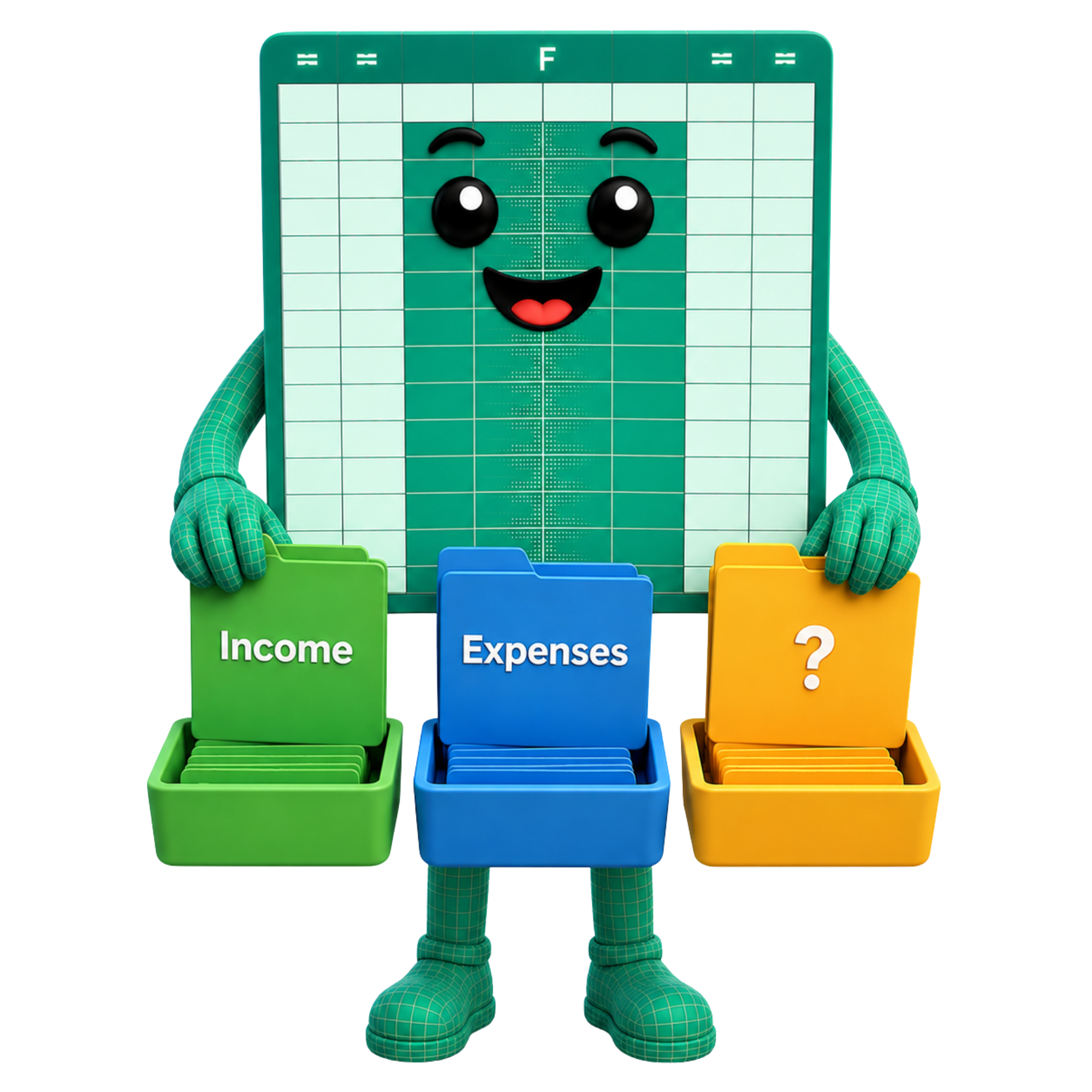
For some people, that means simplified reporting: total income and total expenses.
For others, it means fuller reporting using more detailed income and expense categories.
In short
Categorisation means the level of detail HMRC expects you to report in your Making Tax Digital updates.
Making Tax Digital uses the VAT threshold, currently £90,000, as the point where the reporting rules change.
This figure currently matches the VAT registration threshold, but the two are not the same thing.
For MTD categorisation, the important question is not simply whether you are VAT registered or whether your business charges VAT.
The important question is whether your self-employment or UK property turnover is above or below £90,000.
For this purpose, turnover broadly means your total income from self-employment or UK property before expenses are deducted, not your profit.
So, for this guide, try not to think of £90,000 as a VAT question. Think of it as the point HMRC uses to decide how much detail you need to report for Making Tax Digital.
In short
The £90,000 threshold is about the level of detail you report for MTD, not simply whether your business charges VAT.
The £90,000 threshold affects whether you can use simplified reporting or whether you need fuller categorisation.
If your self-employment and/or UK property turnover is below £90,000, you can usually use simplified reporting.
This is sometimes known as the simplified approach or three-line accounts.
In practice, that means recording and reporting income and expenses without needing to split everything into detailed categories such as travel, repairs, advertising or professional fees.
For many sole traders and landlords, this keeps MTD much simpler than it first sounds.
If your self-employment and/or UK property turnover is £90,000 or above, HMRC expects more detailed categorisation.
This means income and expenses may need to be reported under more specific headings.
Instead of simply reporting total income and total expenses, you may need to use categories such as travel, repairs, professional fees and other relevant headings.
This is often referred to as full categorisation.
In short
Below £90,000, reporting is usually simpler. At £90,000 and above, HMRC generally expects more detailed categories.
Making Tax Digital doesn't remove the need to keep proper business records.
You should still record every item of income and every business expense in your spreadsheet.
The difference is how much detail HMRC expects when those figures are reported.
If your turnover is below £90,000 and simplified reporting applies, you can usually record your day-to-day business transactions just as you always have.
For example, you might record printer paper, fuel, business insurance, software subscriptions or travel costs.
Each transaction is still recorded individually, but for your quarterly update those expenses can usually be reported together as Expenses, rather than being split into HMRC's detailed expense categories.
However, if full categorisation applies, those same transactions may need to be reported under headings such as travel, office costs, professional fees or repairs and maintenance.
If your UK property turnover is below £90,000 and simplified reporting applies, you can usually record your day-to-day property transactions just as you always have.
For example, you might record rental income, repairs, insurance, letting agent fees or other property expenses.
Each transaction is still recorded individually, but for your quarterly update most property expenses can usually be reported together as Expenses, rather than being split into detailed HMRC categories.
The exception is finance costs, such as mortgage interest, which HMRC requires to be kept separate because they receive different tax treatment.
If full categorisation applies, those same transactions may need to be reported under headings such as travel, professional fees or repairs and maintenance.
In short
You still record every transaction. Simplified reporting simply means you usually don't need to sort every expense into detailed HMRC categories before submitting your quarterly update.
There is one small exception for rental property owners.
If you have finance costs, such as mortgage interest, HMRC requires these to be recorded and reported separately from other property expenses.
This is because finance costs are treated differently when tax is calculated, so HMRC needs that figure kept distinct.
In other words, most landlords using simplified reporting still keep things simple, but finance costs need their own space.
Day to day, this means you still record each property transaction digitally, but you do not necessarily need to split every expense into detailed categories unless full categorisation applies.
The practical point is that ordinary property expenses and finance costs should not be mixed together.
In short
Most landlords can keep reporting simple, but finance costs such as mortgage interest need to be kept separate.
MTD categorisation means the level of detail HMRC expects you to report in your Making Tax Digital updates.
Yes. suiteSheets is HMRC recognised bridging software.
The £90,000 threshold refers to turnover from self-employment or UK property, which broadly means your total income before expenses are deducted, not your profit.
No. The £90,000 figure currently matches the VAT registration threshold, but for MTD categorisation it is used to decide how much detail HMRC expects you to report.
Not always. If your self-employment or UK property turnover is below £90,000, simplified reporting will usually apply. You still need to record individual transactions digitally, but you may not need to sort every expense into detailed HMRC categories, with one small exception for some landlords.
Finance costs, such as mortgage interest, are treated differently when tax is calculated, so HMRC requires landlords to keep these figures separate from other property expenses.
Yes. Spreadsheets can be used as part of a Making Tax Digital process when they form part of a digital record keeping system and submissions are made using compatible software.
suiteSheets is software for spreadsheet users. We do not provide tax advice, accounting advice or legal advice. If you are unsure how Making Tax Digital applies to your circumstances, contact HMRC or a qualified adviser.
These HMRC pages provide further context on Making Tax Digital for Income Tax, digital records, quarterly update categories, simplified reporting and landlord finance costs.
Try the FREE suiteSheets template
Want to see what a spreadsheet designed for Making Tax Digital looks like?
Download the free suiteSheets template and explore how income, expenses and totals can be structured for a spreadsheet-based MTD solution.
Open a FREE suiteSheets account
suiteSheets is MTD-compatible software designed for sole traders and landlords who prefer a spreadsheet-based approach to Making Tax Digital.
Open your free suiteSheets account and explore Making Tax Digital made easy.