What is an MTD quarterly update?
30-second answer
Quarterly updates are one of the biggest changes introduced by Making Tax Digital.
Every quarter, you need to send HMRC a summary of your self-employment and/or property income and expenses using compatible software.
Quarterly updates are cumulative (running) totals of your business’ income and expenses.
The update is not a full tax return. It doesn't calculate the tax you owe or ask you to make a payment. It simply summaries your income and expense totals.
This guide is most relevant if you are:
- A sole trader or landlord
- Trying to understand what an MTD quarterly update actually is
- Wondering what information HMRC wants every quarter
- Looking for a simple explanation of the quarterly reporting process
This guide covers
This guide is provided for general information only and is based on HMRC guidance available at the time of writing.
HMRC says people using Making Tax Digital for Income Tax need to send quarterly updates using software that works with MTD.
Quarterly updates are cumulative (running) totals of the income and expenses recorded in your digital records during the tax year.
These updates are sent using compatible software and form part of your Making Tax Digital record for that tax year.
A quarterly update is a summary of the income and expenses you've recorded in your digital records during the tax year.
Rather than waiting until the end of the year, Making Tax Digital requires you to send HMRC summary totals every quarter using compatible software.
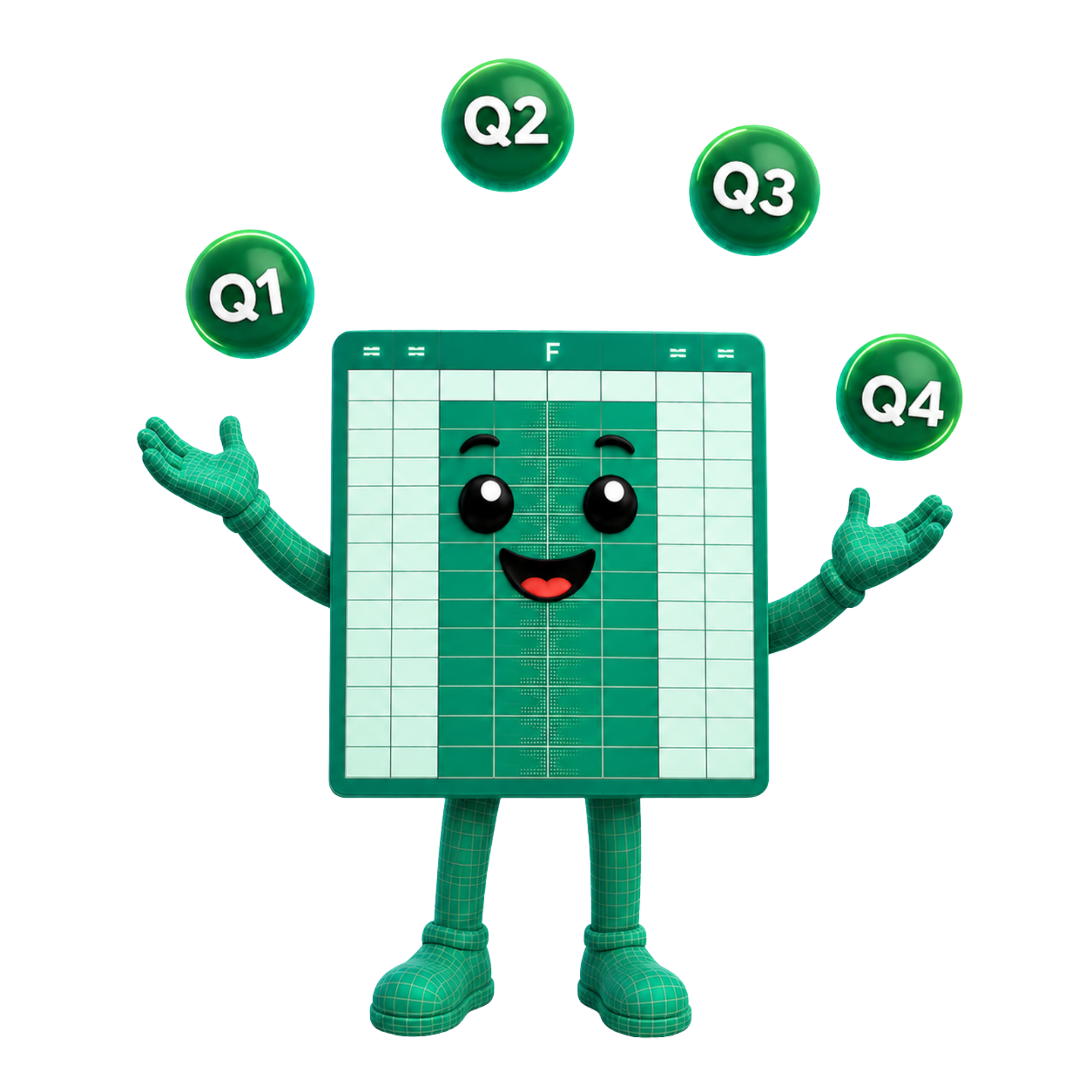
These aren't separate reports for each three-month period. Instead, each quarterly update contains cumulative totals.
That means every submission includes your running income and expense totals from the start of the tax year up to the end of that quarterly period.
Quarter 1 reports your totals from the start of the tax year to the end of Quarter 1.
Quarter 2 reports your totals from the start of the tax year to the end of Quarter 2.
Quarter 3 reports your totals from the start of the tax year to the end of Quarter 3.
Quarter 4 reports your totals from the start of the tax year to the end of Quarter 4.
This cumulative (running) total approach means each quarterly update builds on the one before it and reflects the most up-to-date picture of your business.
In short
Quarterly updates are cumulative summaries of your digital records, not separate reports for each three-month period.
Your software sends summary totals for your income and expenses.
It doesn't send every individual transaction.
HMRC receives the totals needed for your quarterly update, while your detailed records remain within your spreadsheet or software.
Once you submit:
- Your software sends the quarterly summary to HMRC.
- HMRC receives and records the update.
- Your submission becomes part of your Making Tax Digital record for that tax year.
Quarterly updates are often misunderstood because they sound much more detailed than they actually are.
Submitting a quarterly update does not:
- Calculate how much Income Tax you owe
- Create a tax bill
- Ask you to make a tax payment
- Replace your Final Declaration (year-end process)
- Send every individual transaction or receipt to HMRC
Instead, it simply updates HMRC with the latest summary totals from your digital records.
Yes.
Quarterly updates don't permanently lock your figures.
If you discover an error later, your records can be updated and your final tax position is confirmed through the Final Declaration (year-end process).
Quarterly updates are a tax return
Quarterly updates are not tax returns. They are regular summary totals sent throughout the year.
HMRC sees every transaction
HMRC only receives summary totals through quarterly updates, not every individual transaction.
Quarterly updates tell you how much tax you owe
Your final tax position is established as part of the Final Declaration (year-end process).
Quarterly updates mean paying tax four times a year
Reporting quarterly updates and paying your final tax bill are different parts of the Making Tax Digital process.
Quarterly updates report summary totals during the year, they are not the same as a tax return. Your final tax position is completed through the Final Declaration (year-end process).
Your chosen software will submit your cumulative (running) totals based on your digital records. You don't need to send receipts as part of the quarterly update process.
Any corrections can be reflected in later quarterly updates and your Final Declaration (year-end process).
Quarterly reporting just requires you to submit your cumulative (running) totals. Your tax payment is determined in your Final Declaration (year-end process).
This guide is provided for general information only. suiteSheets is software for spreadsheet users. We do not provide tax advice, accounting advice or legal advice. If you are unsure how Making Tax Digital applies to your circumstances, contact HMRC or a qualified adviser.
These HMRC pages provide further context on Making Tax Digital for Income Tax, quarterly updates, digital records, compatible software and signing up.
Try the FREE suiteSheets template
Want to see what a spreadsheet designed for Making Tax Digital looks like?
Download the free suiteSheets template and explore how income, expenses and totals can be structured for a spreadsheet-based MTD solution.
Open a FREE suiteSheets account
suiteSheets is MTD-compatible software designed for sole traders and landlords who prefer a spreadsheet-based approach to Making Tax Digital.
Open your free suiteSheets account and explore Making Tax Digital made easy.